The Best Fluffy Pancakes recipe you will fall in love with. Full of tips and tricks to help you make the best pancakes.

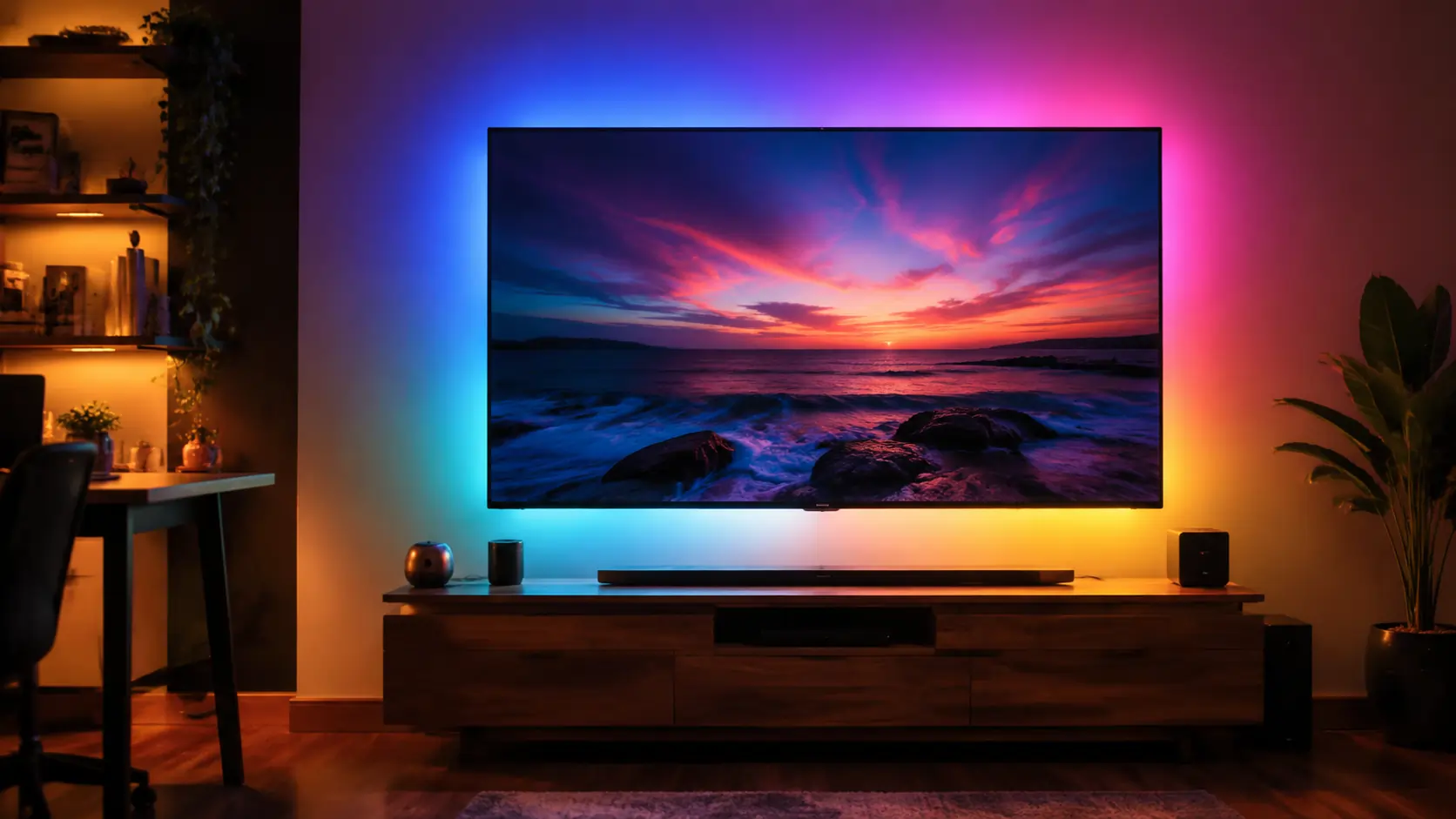
I wanted LED strip lights behind my TV. I got exactly what I wanted vibrant colors and flexible lighting for my desk plus one thing that drives me slightly crazy every single day. The Govee LED Strip delivers stunning visuals, but it’s not without a flaw that could affect daily use.
Key Takeaways
- Colors and effects are excellent, with accurate reproduction and fun presets
- Installation is simple, but controller placement can be limiting
- Govee Home app is polished but requires an account and collects some data
- Annoying problem: WiFi reconnection after a power cut is slow, causing temporary frustration
- Durable strips with strong adhesive, but best for flexible setups rather than permanent installs
What I Bought and Why
The model tested was the Govee RGBIC LED Strip, rated for 16.4 feet (5 meters) with multi-zone lighting. It’s designed for TV bias lighting and general room ambiance.
The package includes:
- LED strip with adhesive backing
- WiFi controller and power adapter
- Basic manual
Price at the time of testing was around $35–40. The decision was based on a desire for DIY flexibility and RGBIC color zones for smooth gradients behind the TV.
The main use case was:
- TV backlighting for reduced eye strain and improved contrast perception
- Desk and gaming area ambiance with dynamic color effects
Installation: Easier Than Expected, With One Caveat
Peel-and-Stick Convenience
The adhesive is strong and sticks well to most smooth surfaces. Placement behind the TV was simple and required no additional mounting hardware.
Cutting and Soldering
For most setups, cutting the strip to fit corners is straightforward. Soldering is optional and only needed for complex custom layouts, making these strips beginner-friendly.
The Caveat: Controller Placement
The controller box must stay visible or within reach of WiFi. Limited placement options can be annoying if you prefer a fully hidden setup behind furniture.
The Colors Are Genuinely Impressive
Color Accuracy
Colors closely match what is selected in the Govee Home app. Reds, greens, and blues appear vibrant, and gradients are smooth due to the RGBIC technology.
Music Sync Feature
The music sync adds fun for parties and gaming sessions. While entertaining, it is more of a novelty than a daily-use feature.
Scenes and Presets
Built-in scenes and customizable presets are useful for quick adjustments. Calm, ambient modes work well for evening TV watching, while dynamic modes brighten up casual gatherings.
App Experience: Polished but With Friction
Govee Home App
The app is mostly intuitive, offering easy color control, timer scheduling, and scene selection. However, navigating multiple zones can take a moment for new users.
Account Requirement
An account is required for setup. Govee collects some usage data to sync preferences across devices, which may concern privacy-conscious users.
Alexa and Google Home Integration
Setup with Alexa or Google Home is straightforward. Voice commands allow switching colors, adjusting brightness, and activating presets.
The Annoying Problem (The Headline Promise)
The biggest drawback is WiFi reconnection after a power outage or plug cycle.
- After power cuts, the strip can take 20–30 seconds to reconnect to the app.
- Sometimes, individual LED zones temporarily lose sync, causing uneven colors until reset.
- Firmware updates have improved stability, but it remains the single persistent annoyance.
Day-to-day, this is noticeable mostly when lights turn back on after being unplugged or after a blackout. For most users, it’s a minor inconvenience, but it can be frustrating if precise lighting is essential.
Durability After Several Months
- No LED failures or noticeable dimming were observed over three months of use.
- Adhesive backing remains strong, even on textured surfaces with light dusting.
- Color calibration remains consistent; no fading or drift noted.
Overall, the strips appear durable for medium-term use and maintain performance comparable to launch day.
Verdict: Who Should Buy These
Best For:
- TV bias lighting and desk ambiance
- DIY projects that may require cutting or zone control
- Users wanting dynamic RGBIC gradients at an affordable price
Not For:
- Permanent installations where the controller must remain completely hidden
- Users who need instantaneous reconnection after power loss
vs Alternatives
Compared to Philips Hue Light Strips, Govee offers similar color quality at a fraction of the price. Hue provides more robust ecosystem integration, but for flexible, budget-conscious setups, Govee delivers excellent value.
Frequently Asked Questions
Is the Govee LED Strip safe for TVs?
Yes, these LED strips produce minimal heat and are suitable for bias lighting behind screens.
Can I cut the strip to fit my space?
Yes, Govee strips can be cut at marked points. Soldering is optional for complex setups.
Do I need the Govee Home app?
Yes, the app is required for full functionality, including color control, presets, and WiFi management.
Does the music sync work with any device?
It works via the app or microphone mode, capturing sounds from nearby devices like phones or speakers.
Meta Description
Govee LED Strip delivers vibrant colors and DIY lighting flexibility, but WiFi reconnection after power loss is slow — review, durability, and features explained.
Character count: 157